How to Write a Cover Letter with AI: 7 Steps, Examples, and Human-Editing Tips
Use AI to organize a job-specific draft without losing your facts, voice, or responsibility for the final application.

The short answer
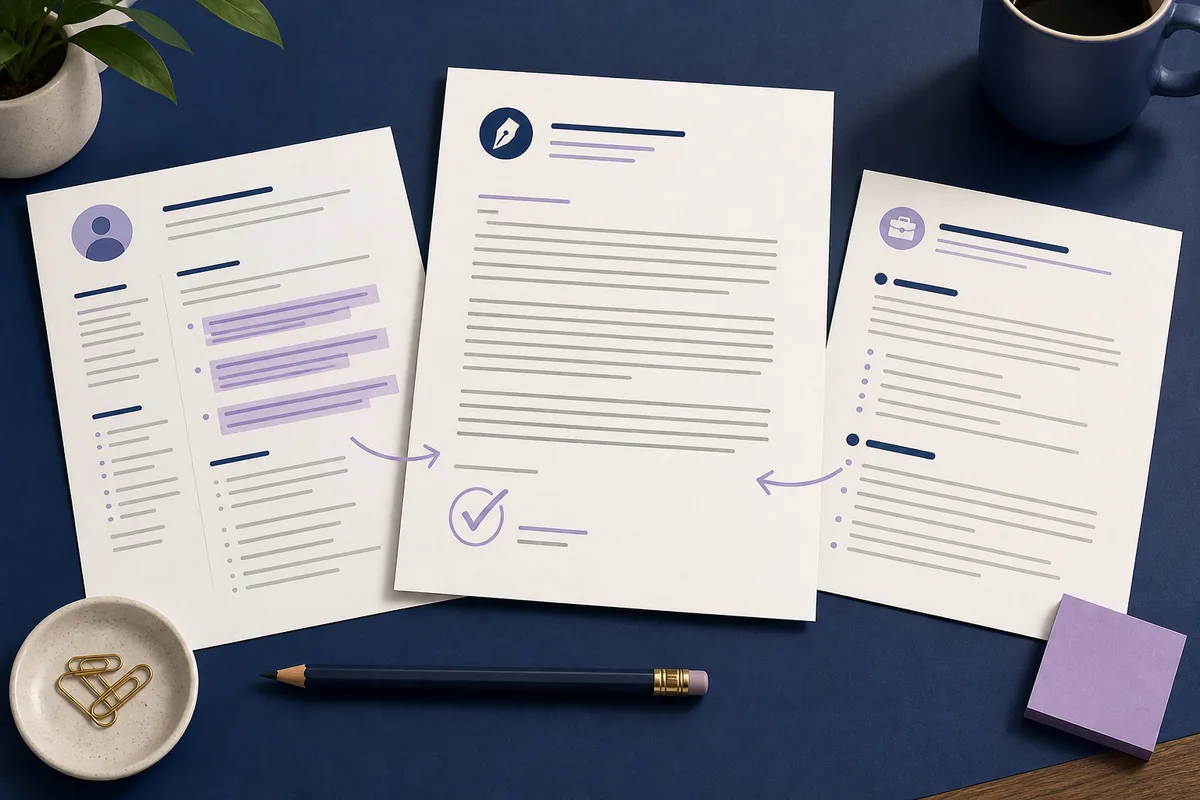
To write a cover letter with AI, give the tool the target role, job description, and a small set of truthful resume highlights. Ask for a concise draft that connects your experience to the employer's needs, then edit every claim, example, name, and phrase so the final letter sounds like you. AI should accelerate research and drafting; it should not invent achievements or replace your judgment.
What AI should—and should not—do for your cover letter
The best use of AI is not asking for a magical letter from one sentence. It is giving a writing assistant enough context to organize a job-specific message, identify missing evidence, and offer a clean first draft. You still own the facts, the examples, the tone, and the decision to send it.
If you want a structured starting point, the AI cover letter generator can turn your job description and resume highlights into an editable draft. Use the article workflow below to review the result before submitting it.
Good at structure
AI can help arrange a header, greeting, opening, evidence paragraphs, and closing so you do not start from a blank page.
Needs your evidence
A model cannot know which achievement is true, current, relevant, or safe to claim unless you provide and verify that context.
Still a human document
A recruiter should see a specific connection between your experience and the role, not a polished paragraph that could belong to any applicant.
What to prepare before asking AI to write
Better input usually produces a more useful first draft. You do not need to paste your entire resume or every line of the job ad. Select the details that change how an employer would evaluate your fit.
| Input | What to add | Why it matters |
|---|---|---|
| Target role | Exact job title, company, team, and recipient name if verified | It keeps the opening specific and prevents a generic greeting. |
| Job description | Main responsibilities, required skills, and repeated terms | It gives the draft a real target instead of a list of unrelated strengths. |
| Resume highlights | Two or three relevant achievements, projects, tools, or outcomes | Evidence makes the letter more credible than adjectives alone. |
| Career context | Student, career changer, returning worker, or experienced professional | The explanation and emphasis should fit your situation. |
| Tone and length | Professional, confident, warm, concise, or another clear preference | It gives the draft a useful editing direction without overloading it. |
| One motivation | A truthful reason this company, product, mission, or role interests you | A concrete reason sounds more personal than saying you are passionate about everything. |
Avoid pasting sensitive information that the letter does not need, such as government ID numbers, account passwords, medical details, or private contact information for other people. Share only the context required to draft the application, and check the tool's privacy policy before using it.
How to write a cover letter with AI in 7 steps
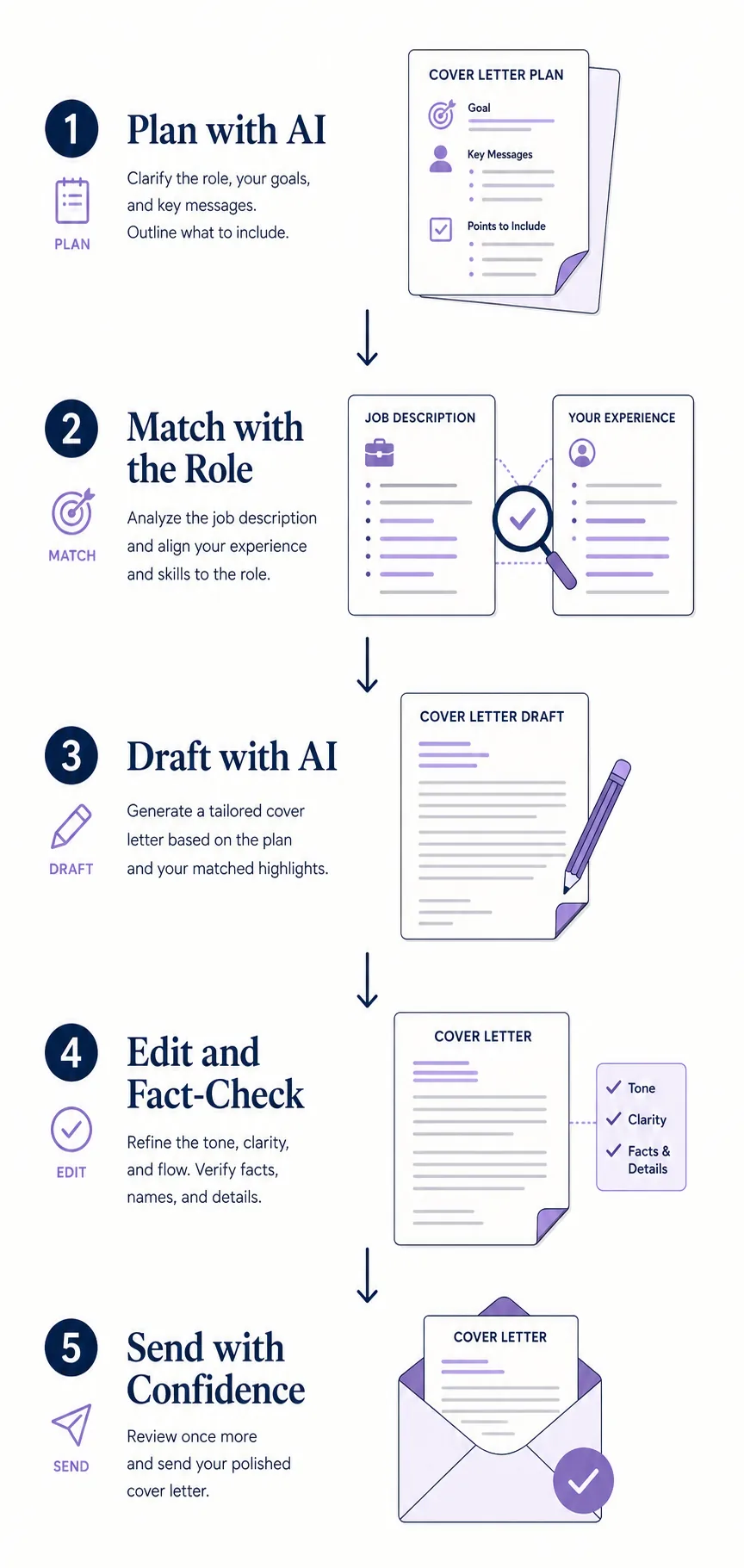
Use this sequence whether you write a prompt yourself or use a dedicated generator. The goal is to move from job research to a verified, role-specific letter—not to accept the first output unchanged.
- 1. Read the job description for signals
Mark the responsibilities, required skills, tools, customer groups, and outcomes that appear important. Notice repeated language, but do not copy whole sentences. Your notes should answer: what problem does this role solve, and which part of my experience proves I can help?
- 2. Choose two or three matching proof points
Pull specific facts from your resume: a measurable result, a relevant project, a process you improved, or a skill you used in context. If you lack a direct example, say so and use an adjacent experience honestly instead of asking AI to fill the gap.
- 3. Give AI a clear role and boundary
Tell the tool the role, employer, audience, tone, length, and evidence it may use. Add an explicit instruction not to invent employers, dates, software, metrics, responsibilities, or qualifications. A short boundary often prevents a polished but inaccurate draft.
- 4. Ask for a simple first draft
Request a one-page structure with a focused opening, one or two evidence paragraphs, and a confident closing. Ask the model to connect each example to a job requirement. Do not ask it to sound impressive in the abstract; ask it to be specific, readable, and truthful.
- 5. Compare every paragraph with the source material
Read the draft beside your resume and the job description. Highlight claims you can verify, claims that need rewriting, and claims that are not yours. Delete invented details immediately, even if they make the letter sound stronger.
- 6. Add one or two human details
Replace generic enthusiasm with a real reason for applying, a brief context for a career move, or a result you remember clearly. Keep the detail relevant. Personal does not mean oversharing; it means the letter could not have been written for a different applicant without changes.
- 7. Proofread and export the right version
Check the hiring manager's name, company name, role title, dates, links, spelling, and file format. Read the letter aloud once. Then compare the final PDF or text with the application instructions before you send it.
A practical AI cover letter prompt
A good prompt names the job, supplies evidence, and sets limits. Use the template below as a starting point, then replace every bracketed field with your own information.
Write a concise cover letter for:
Role: [exact job title]
Company: [company name]
Job description signals: [3 to 5 requirements]
Truthful resume highlights: [2 to 3 relevant examples]
Tone and length: [professional, confident, one page]
Connect each example to a requirement. Do not invent facts, dates, employers, tools, metrics, or qualifications.
End with a clear, professional next step and a natural sign-off.
Ask for alternatives only after the first draft is accurate. For example, you can request a warmer opening or a tighter closing, but keep the verified facts fixed while you compare versions.
How to make an AI cover letter sound human
Human-sounding writing is usually more concrete, not more casual. The fastest edit is to remove phrases that could apply to everyone and replace them with a small amount of specific context.
- Replace empty enthusiasm — Swap phrases such as “I am writing to express my interest” for an opening that names the role and your strongest relevant connection.
- Keep one real result — A short outcome, before-and-after change, or project detail gives the reader something to remember.
- Use your normal vocabulary — If you would not say “leverage cross-functional synergies,” rewrite it in the plain language you use at work.
- Vary the rhythm — Mix short and medium sentences. Remove three-part adjective lists when they do not add evidence.
- Explain a transition — For a career change, gap, internship, or return to work, add one honest sentence that gives the reader useful context.
- Read it aloud — Your ear catches repeated phrases, stiff transitions, and claims that feel too broad faster than a silent scan often does.
For page layout, spacing, and section order, compare the cover letter format guide before you export the final version.
Use ATS keywords without keyword stuffing
Applicant tracking systems may help employers organize applications, but a cover letter still needs to make sense to a person. Use terms from the job description only when they describe a real skill or experience you can support.
| Check | Good practice | Avoid |
|---|---|---|
| Match the role | Use the exact job title once when it is natural. | Repeating the title in every paragraph. |
| Mirror skills | Use a required tool or skill alongside a real example. | Adding a keyword you have never used. |
| Show outcomes | Explain what changed because of your work. | A keyword-only list with no evidence. |
| Keep it readable | Write for a hiring reader first and an automated parser second. | Hidden text, unnatural repetition, or a dense block of terms. |
| Review the source | Check that every important phrase came from the role or your experience. | Letting AI add tools, certifications, or metrics that are not yours. |
No wording can guarantee that an application will pass an ATS or receive an interview. The practical goal is clear, truthful alignment between the role and your experience.
Common mistakes to avoid
AI makes it easy to produce a fluent paragraph, but fluency is not the same as fit. Watch for these failure modes before you submit.
- Using one letter everywhere — A reusable structure is fine; a fully unchanged letter ignores the job description and looks generic.
- Accepting invented details — Check dates, titles, metrics, software, clients, and qualifications against your source material.
- Repeating the resume — The letter should explain relevance and motivation, not copy every bullet from the resume.
- Overpromising results — Use measured language such as “can contribute” or “helped improve” when an outcome is not guaranteed.
- Ignoring the recipient — Verify the company and hiring contact, and follow the posting's instructions for attachments and format.
- Hiding the human edit — If the draft does not sound like you, revise it. A correct, natural letter is more useful than an ornate one.
Final review checklist before sending
Treat the AI draft as version one. Before sending, confirm the content, the match, the presentation, and the next step.
- The company, role title, recipient, and date are correct.
- The opening makes the application purpose clear in the first paragraph.
- The body contains two or three truthful examples tied to the job.
- No achievement, metric, employer, tool, qualification, or date was invented.
- The tone matches the industry and the rest of the application.
- The letter adds context instead of copying the resume line by line.
- The file follows the posting's format, naming, and attachment instructions.
- You have read it aloud and checked the final exported file.
If you also need help with the basics of letter structure, see how to write a letter for a broader guide to openings, body paragraphs, closings, and review.
FAQ about writing a cover letter with AI
Further reading
Ready to turn your notes into a draft?
Paste the job description and your resume highlights into the free generator, then use this checklist to personalize the result before sending it.
Open the AI Cover Letter Generator