Cover Letter Format: Layout, Examples, and a Final Checklist
Use a clear one-page layout, connect your experience to the job, and make every section easy for a hiring reader to scan.

The short answer
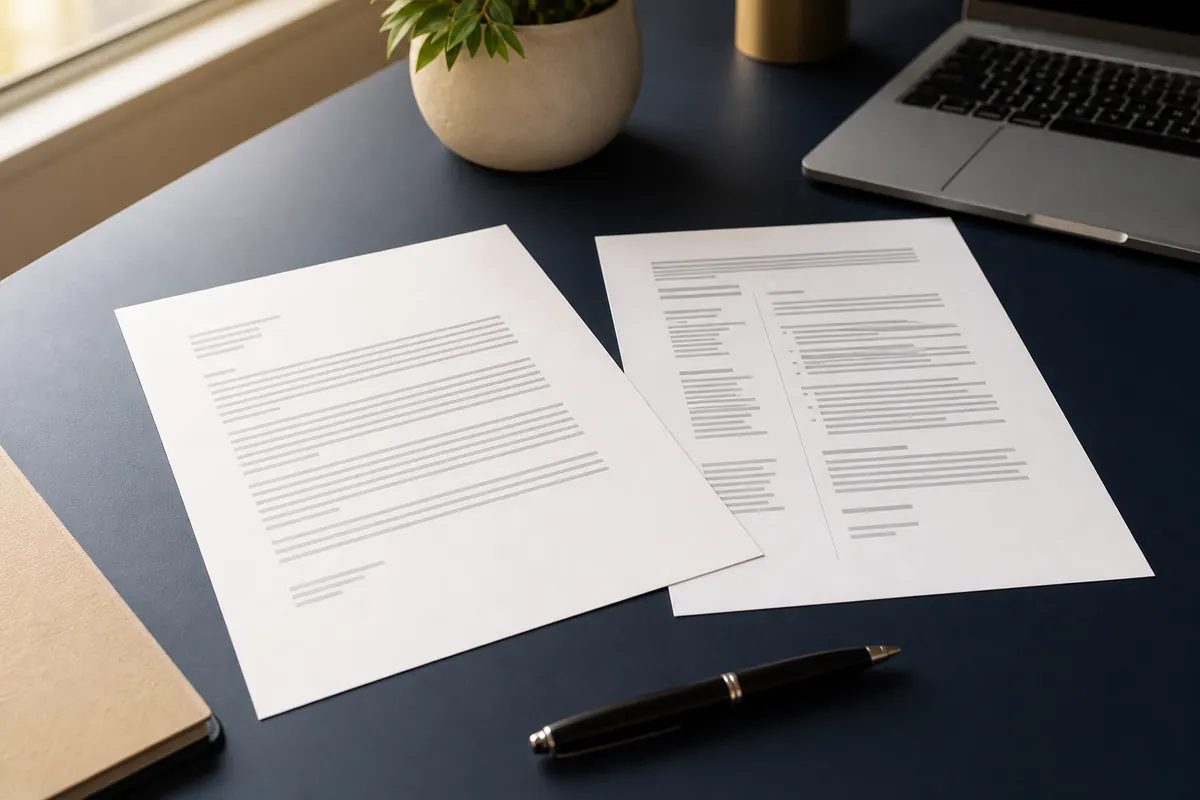
A reliable cover letter format is a one-page document with your contact details, the date, the employer's details, a specific greeting, a focused opening, one or two evidence-based body paragraphs, a clear closing, and your name. Use readable margins, a simple font, consistent spacing, and the same professional tone as your resume. The format should help the reader find your fit quickly; it should not turn the letter into a second resume.
Standard Cover Letter Format at a Glance
The best cover letter format is predictable without feeling generic. A hiring reader should be able to identify who you are, which job you want, why you are a plausible match, and how to contact you without searching through decorative elements.
| Part of the letter | What to include | Practical example |
|---|---|---|
| Header | Name, phone, email, city, and an optional professional profile link | Jordan Lee · [email protected] · Austin, TX |
| Date and employer | Date, hiring manager or team, company, and location when known | August 2, 2026 / Hiring Team / Northstar Labs |
| Greeting | A named greeting when the contact is known; otherwise a neutral professional greeting | Dear Ms. Rivera, or Dear Hiring Team, |
| Opening | The role, a specific reason for interest, and your strongest relevant match | I am applying for the product analyst role because... |
| Evidence | One or two short paragraphs connecting achievements to the job requirements | At Oakline, I reduced reporting time by 30%... |
| Closing | A confident next step, appreciation, and a professional sign-off | Thank you for your consideration. I would welcome... |
| Signature | Typed name; add a handwritten signature only when a PDF or print workflow calls for it | Sincerely, / Jordan Lee |
How to Format a Cover Letter in 5 Steps
Formatting is easier when you decide the page structure before polishing sentences. Work from the outside in: set the page, place the required information, then edit for relevance and evidence.
- 1. Set a clean one-page document
Use a normal page size, balanced margins, and a readable font. A one-page cover letter is a useful default for most applications because it keeps the message focused. If a role explicitly asks for a longer statement, follow that instruction instead of forcing the letter into one page.
- 2. Match the visual language of your resume
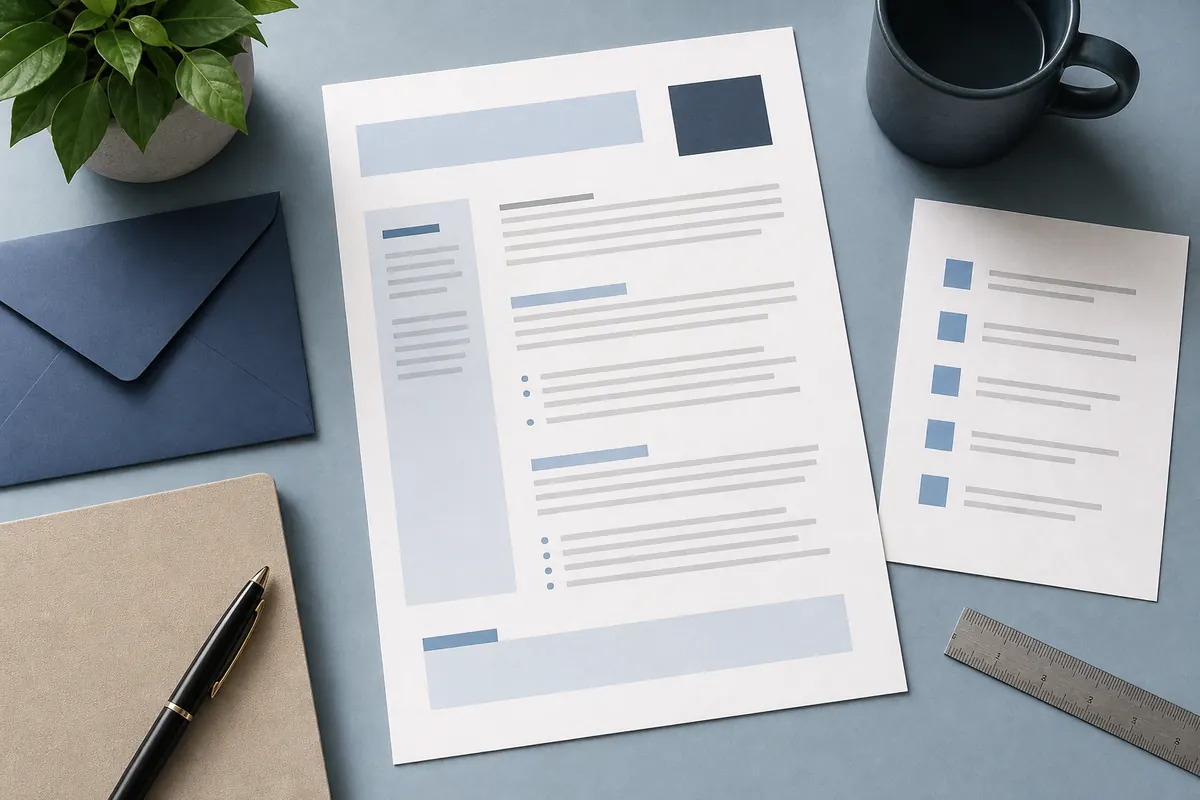
Use the same name treatment, font family, accent color, and contact details as your resume when possible. Matching documents look deliberate and help the reader recognize that the files belong to the same application.
- 3. Build the letter around the job
Put the role title in the opening paragraph and select two or three requirements you can support with real examples. The format should create space for evidence, not encourage a long biography or a list of every task you have performed.
- 4. Make the body easy to scan
Keep paragraphs short, use direct topic sentences, and leave enough white space between sections. A reader should understand the point of each paragraph after the first sentence and see how the example connects to the employer's need.
- 5. Review the final file before sending
Check names, dates, company details, links, file type, and the rendered PDF. Remove placeholder text and repeated resume bullets. Read once for meaning and once for small errors that can make a polished application feel careless.
What to Include in Each Cover Letter Section
A cover letter is short, so every section has a job. You can adapt the order for a specific employer, but removing the structure entirely usually makes the page harder to scan.
Contact information
Place your name and reliable contact details at the top. Include a professional email address, phone number, and city or region. A portfolio or LinkedIn link can help when it supports the role; do not add a long list of personal links that distract from the application.
Date and recipient
Add the date you submit the application. If the job posting names a hiring manager, address that person. If the name is not available, Dear Hiring Team is clear and professional. Avoid guessing a title or using a casual greeting that does not fit the organization.
Opening paragraph
State the role you want and explain the strongest reason you are interested. Then give a short proof point: a relevant result, skill, qualification, or context that makes the reader want to continue. Do not begin with a vague sentence about needing a job.
Middle paragraphs
Choose evidence that mirrors the job description. Instead of repeating a resume bullet, explain the situation, the action you took, and the result. One specific example is usually more persuasive than five unsupported adjectives such as hardworking, passionate, or results-driven.
Closing paragraph
Restate the value you could bring, show interest in a conversation, and thank the reader. A good closing is confident without treating an interview as guaranteed. Include a practical next step only when it is appropriate for the application process.
Sign-off and name
Use a professional sign-off such as Sincerely or Best regards, followed by your typed name. A phone number or email can be repeated below the name only if the layout remains clean and the application system does not already show those details.
Cover Letter Margins, Font, and Spacing
There is no single universal pixel-perfect cover letter format, but consistency matters more than decoration. Use these settings as a practical starting point and adjust only when the page becomes crowded or unusually empty.
| Format choice | Practical recommendation | Why it helps |
|---|---|---|
| Length | Usually one page and three to five short paragraphs | Keeps the application focused and protects the reader's time |
| Margins | About 0.75 to 1 inch on all sides | Creates readable white space without wasting the page |
| Font | A familiar sans-serif or serif font at roughly 10.5–12 pt | Improves scanning and keeps the document professional |
| Paragraphs | Short blocks with consistent line spacing and a clear gap between paragraphs | Makes the main point and evidence easier to find |
| File format | Use PDF unless the employer asks for another format; use a clear filename | Preserves the layout across devices and reduces accidental edits |
Avoid shrinking the font or margins until the page is barely readable. If the letter does not fit, remove repetition and weak claims before compressing the design.
Cover Letter Format Example
This short example shows the order and level of detail, not a script to copy. Replace every bracketed detail with facts from the role and your own experience.
Jordan Lee
[email protected] · (512) 555-0148 · Austin, TX
August 2, 2026
Hiring Team
Northstar Labs
Dear Hiring Team,
I am applying for the Product Analyst role at Northstar Labs. Your focus on turning customer behavior into simpler product decisions matches my experience building weekly reporting that helped a small product team prioritize its roadmap.
In my current role at Oakline, I combined support and usage data into a single dashboard and reduced weekly reporting time by 30%. I also presented the findings to product and customer-success partners, translating technical patterns into two changes that improved trial activation. That mix of analysis and clear communication is the contribution I would bring to this role.
I would welcome the opportunity to discuss how my experience fits Northstar Labs' product team. Thank you for reviewing my application.
Sincerely,
Jordan Lee
Notice the format: the opening names the job, the middle paragraph proves a match with a result, and the closing points toward a conversation. The example stays specific without repeating the entire resume.
Common Cover Letter Formatting Mistakes
A technically tidy page can still feel weak if the format hides the main message. Check these issues before you export the final file.
- Using a crowded page — Small type, narrow margins, and dense paragraphs make the reader work too hard. Cut repetition before compressing the layout.
- Treating the letter as a second resume — A cover letter should explain relevance and motivation, not list every job duty again.
- Leaving placeholders behind — Search for bracketed names, old company names, wrong dates, and template instructions before sending.
- Using a generic opening — A sentence that could be sent to any employer wastes the highest-attention part of the page.
- Overusing design elements — Large graphics, icons, colored panels, and unusual fonts can compete with the evidence or confuse applicant-tracking workflows.
- Exporting without checking the PDF — A line break, missing link, or clipped footer can appear only after export, so open the final file on a second device when possible.
Final Cover Letter Checklist
Use this quick review immediately before uploading or emailing the document.
- The role title and company name are correct.
- The contact details match the resume and application profile.
- The greeting is specific or uses a neutral professional alternative.
- The first paragraph explains fit instead of repeating the resume.
- At least one example includes an action and a result or useful context.
- The document is easy to scan and normally fits on one page.
- The font, spacing, margins, and visual style match the resume.
- The PDF filename is clear and contains no accidental template text.
- The final file opens correctly and all links, dates, and names are accurate.
Turn the Format Into a Stronger Application
Once the structure is ready, you can use the AI Cover Letter Generatorto create a targeted first draft from the job description and your resume highlights. For broader letter structure and openings, read How to Write a Letterbefore adapting the final wording.
Whichever workflow you use, keep the final review human: confirm the facts, remove claims you cannot support, and make sure the finished letter sounds like you.
Cover Letter Format FAQ
Further reading
Ready to adapt your cover letter?
Start with a clear format, then tailor the evidence to the role before you send the final file.
Open AI Letter Generator